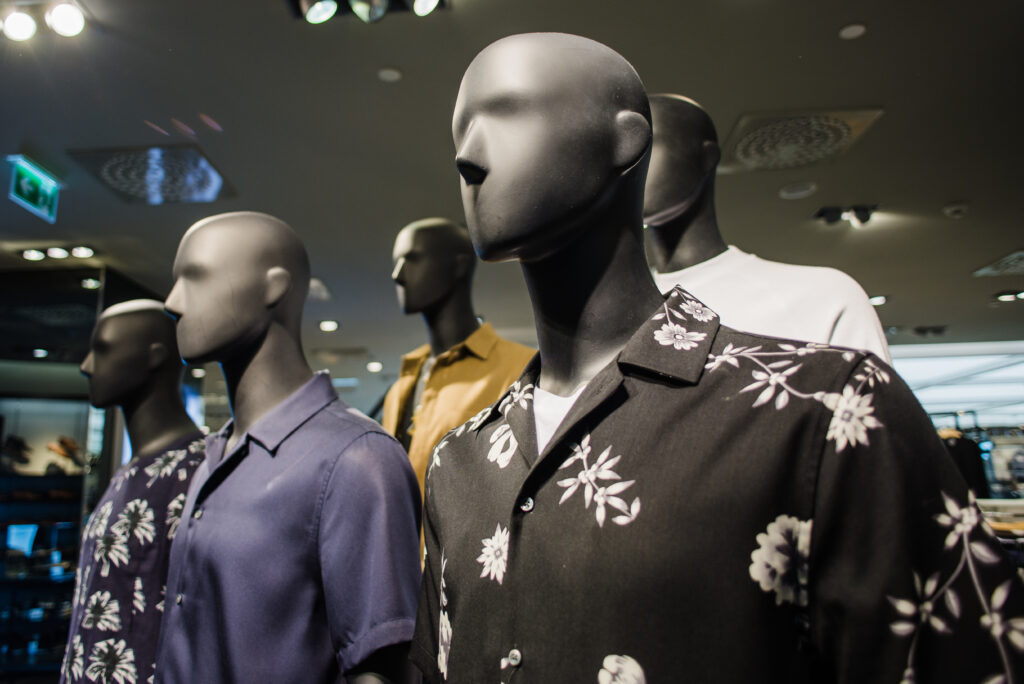

What is Ghost Mannequin Editing?
Ghost mannequin editing is a specialized image editing technique used in the fashion and e-commerce industry to create a hollow or “ghost” effect in product images. This technique involves photographing clothing on a mannequin and then digitally removing the mannequin in post-production, leaving behind a lifelike, three-dimensional representation of the garment. The result is an image that showcases the shape, fit, and details of the apparel as if it were worn by an invisible model. This method provides a clean, professional look that draws attention to the garment without any distractions.
The process of ghost mannequin editing typically involves multiple shots of the product from various angles. Photographers capture the garment on a mannequin, and then take additional shots of the inner parts, such as the collar, cuffs, and hems, without the mannequin. These images are then combined using advanced graphic editing software to create a seamless, cohesive product image. The final output is a polished, high-quality visual that effectively highlights the design and features of the clothing item.
Ghost mannequin editing is particularly beneficial for online retailers who need to present their products in the best possible light. By removing the mannequin, the focus remains solely on the garment, allowing customers to better visualize how it will look when worn. This technique is widely used by fashion brands, clothing retailers, and e-commerce platforms to enhance their product listings and attract more potential buyers.
Benefits of Ghost Mannequin Editing for E-commerce
In the competitive world of e-commerce, high-quality product images are crucial for attracting and retaining customers. Ghost mannequin editing offers several advantages that can significantly enhance the visual appeal of your online store. One of the primary benefits is the professional and polished look it provides. Unlike flat lay photography or traditional mannequin shots, ghost mannequin images create a three-dimensional effect that makes the clothing appear more lifelike and appealing. This can help to convey the fit and structure of the garment more effectively, giving customers a better sense of how it will look when worn.
Another significant benefit of ghost mannequin editing is its ability to highlight the intricate details of a garment. By removing the mannequin, the focus is entirely on the product, allowing you to showcase features such as stitching, fabric texture, and design elements. This level of detail can be particularly important for high-end or designer apparel, where craftsmanship and quality are key selling points. High-resolution, detailed images can help to build trust with customers and demonstrate the value of your products.
Furthermore, ghost mannequin editing can improve the overall user experience on your e-commerce site. Clean, consistent product images make it easier for customers to compare different items and make informed purchasing decisions. This can lead to increased customer satisfaction and reduce the likelihood of returns due to unmet expectations. Additionally, professional-looking images can enhance your brand’s reputation and credibility, making your online store more appealing to potential buyers.
How Ghost Mannequin Editing Enhances Product Presentation
The presentation of your products plays a crucial role in capturing the attention of potential customers and encouraging them to make a purchase. Ghost mannequin editing is an effective way to enhance product presentation and create images that stand out in a crowded online marketplace. One of the key ways it achieves this is by providing a clean, distraction-free background that focuses entirely on the garment. This allows customers to see the product in detail without any visual clutter, making it easier for them to appreciate its design and quality.
Another way ghost mannequin editing enhances product presentation is by creating a consistent look across your product listings. Consistency is important for maintaining a professional appearance and building a strong brand identity. By using ghost mannequin images, you can ensure that all your product photos have a uniform style and appearance, which can help to create a cohesive and visually appealing online store. This consistency can also make your site easier to navigate, as customers will know what to expect when browsing through your product listings.
Additionally, ghost mannequin editing allows you to showcase the versatility of your products. By photographing garments on a mannequin and then removing the mannequin in post-production, you can create images that highlight different aspects of the garment, such as its fit, drape, and movement. This can be particularly useful for items like dresses, jackets, and pants, where the way the fabric hangs and moves is an important selling point. By providing a detailed and accurate representation of your products, you can help customers to make more informed purchasing decisions and increase their confidence in your brand.
Step-by-Step Process of Ghost Mannequin Editing
- Creating ghost mannequin images involves a detailed and methodical process that combines photography and advanced image editing techniques. The first step is to photograph the garment on a mannequin. It’s important to use a mannequin that fits the clothing well and complements its shape. The garment should be carefully styled and adjusted to ensure it looks its best. Photographers typically take multiple shots from different angles to capture all the necessary details.
- Once the initial photos are taken, the next step is to photograph the inner parts of the garment, such as the collar, cuffs, and hems, without the mannequin. This can be done by carefully positioning the garment on a flat surface or using a different support system. These additional shots are crucial for creating a realistic and seamless ghost effect, as they provide the missing pieces that will be used to fill in the areas where the mannequin was removed.
- The final step is the editing process, which involves combining the different images using graphic editing software such as Adobe Photoshop. This process typically starts with selecting the main image of the garment on the mannequin and then using advanced selection tools to carefully remove the mannequin. The editor then blends in the additional shots of the inner parts to create a cohesive and realistic final image. This step requires a high level of skill and attention to detail to ensure that the final image looks natural and professional. The result is a polished, high-quality product image that showcases the garment in the best possible light.
Tools and Software for Ghost Mannequin Editing
Achieving professional-quality ghost mannequin images requires the use of advanced graphic editing software and tools. One of the most commonly used programs for this purpose is Adobe Photoshop. Photoshop offers a wide range of powerful tools and features that make it well-suited for ghost mannequin editing. For example, the Pen Tool allows for precise selections and cutouts, while the Clone Stamp and Healing Brush tools can be used to blend and smooth out any imperfections. Photoshop also offers advanced layer and masking options, which are essential for combining multiple images and creating a seamless final product.
Another popular software option is Adobe Lightroom, which is often used in conjunction with Photoshop. Lightroom is particularly useful for managing and organizing large volumes of photos, as well as for performing initial adjustments such as color correction and exposure. By using Lightroom to prepare your images before importing them into Photoshop, you can streamline your workflow and ensure that your photos are of the highest quality.
Production and Mannequin Photo Editing
In addition to software, there are also several hardware tools that can enhance the ghost mannequin editing process. A high-resolution camera is essential for capturing detailed and sharp images, while a tripod can help to ensure consistent framing and minimize camera shake. Good lighting is also crucial, as it can greatly impact the quality of your photos. Using a combination of softbox lights and reflectors can help to create even, flattering lighting that highlights the details of your garments.
Comparing Ghost Mannequin Editing with Traditional Photography
While traditional photography methods, such as flat lay or live model shoots, have their own merits, ghost mannequin editing offers several distinct advantages. One of the main differences is the level of control and consistency it provides. In traditional photography, factors such as the model’s pose, lighting, and background can vary, which can lead to inconsistencies in your product images. With ghost mannequin editing, you have complete control over the final image, allowing you to create a uniform and professional look across all your product listings.
Another key difference is the level of detail and focus that ghost mannequin editing can achieve. In live model shoots, the focus is often divided between the model and the garment, which can detract from the product itself. Ghost mannequin images, on the other hand, place the entire focus on the garment, allowing you to highlight its design, fit, and features more effectively. This can be particularly beneficial for e-commerce, where customers rely heavily on product images to make purchasing decisions.
Cost and efficiency are also important factors to consider. Live model shoots can be expensive and time-consuming, requiring the coordination of models, photographers, stylists, and other team members. In contrast, ghost mannequin editing can be done with a smaller team and fewer resources. Once you have the necessary equipment and software, you can create high-quality images in-house, reducing costs and speeding up the production process. This makes ghost mannequin editing a more scalable and cost-effective solution for many e-commerce businesses.
Common Mistakes to Avoid in Ghost Mannequin Editing
- While ghost mannequin editing can produce stunning results, it’s important to avoid common mistakes that can detract from the quality of your images. One of the most frequent errors is improper alignment of the different image layers. If the inner parts of the garment are not aligned correctly with the main image, it can create a disjointed and unnatural appearance. To avoid this, take the time to carefully align and blend the different layers, and use tools such as guides and grids to ensure precision.
- Another common mistake is neglecting the details. Small imperfections, such as stray threads, wrinkles, or uneven lighting, can be distracting and reduce the overall quality of the image. Pay close attention to these details during both the photography and editing stages. Use tools like the Clone Stamp and Healing Brush in Photoshop to remove any unwanted elements and create a clean, polished final image.
- Over-editing is another pitfall to watch out for. While it’s important to enhance the image, excessive adjustments can make the garment look unnatural and unrealistic. Avoid over-saturating colors or applying too much sharpening, as this can distort the appearance of the fabric. Aim for a natural and accurate representation of the garment that highlights its features without altering its true appearance. By avoiding these common mistakes, you can create high-quality ghost mannequin images that effectively showcase your products.